There is a new release available of our 3D program XFEM4U 2023.2.
Click here to install the new release.
On release notes you will find an overview of all new features and improvements
The most important new features:
1. New Rigid link
A new element, Rigid link has been added. With this element you can create links but also eccentricities.
How does it work? Watch the demo here.
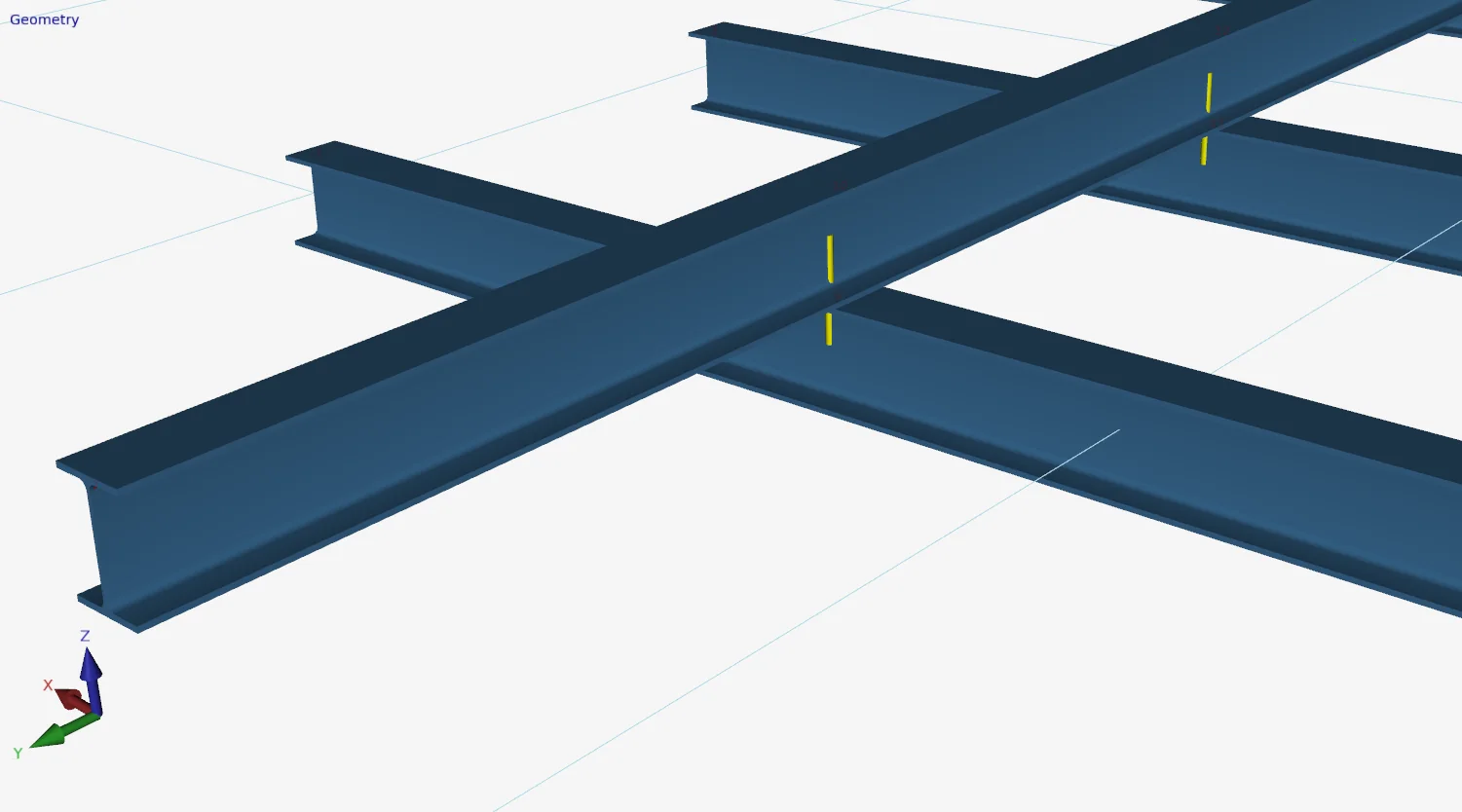
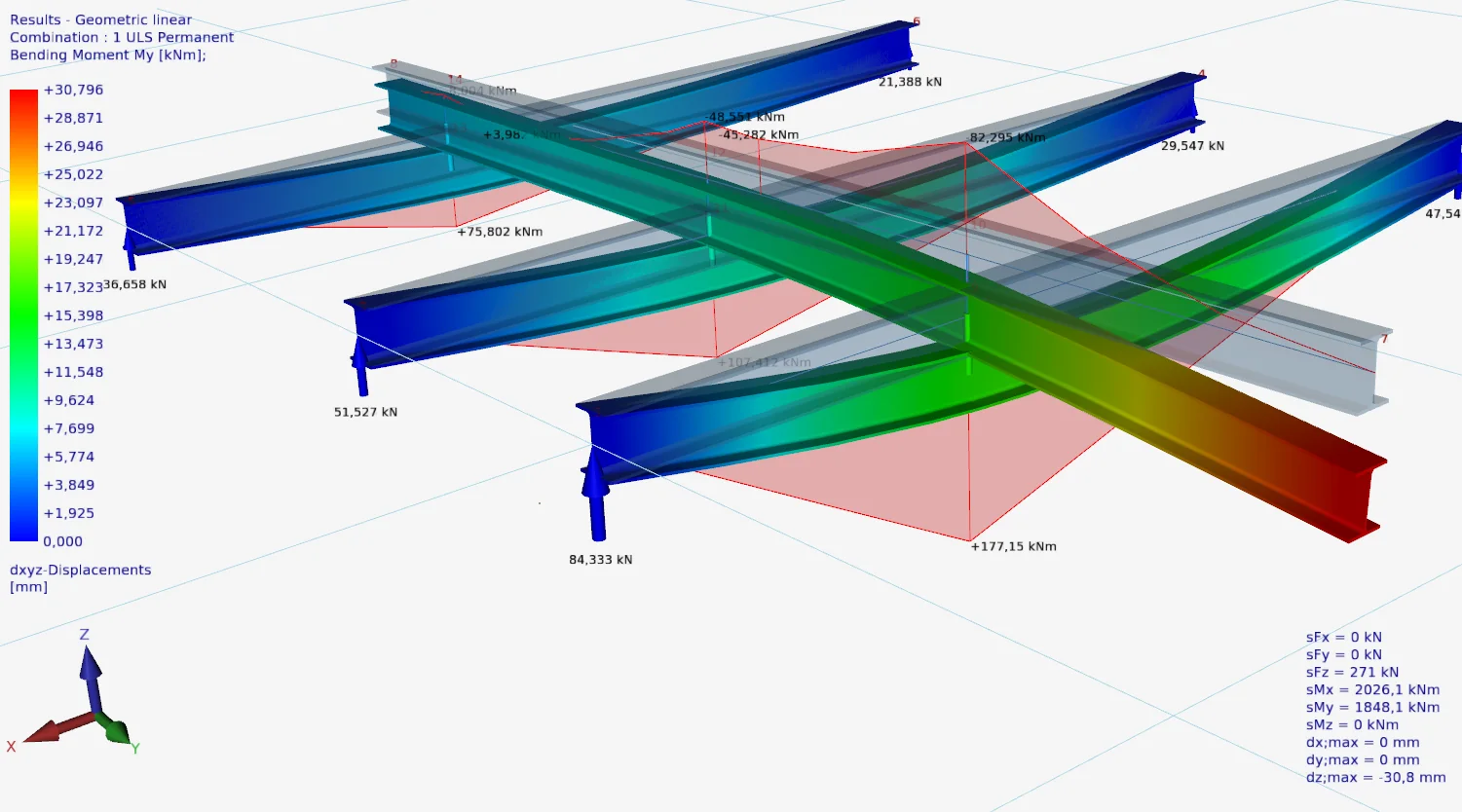
2. New Extend beams / Determine intersections
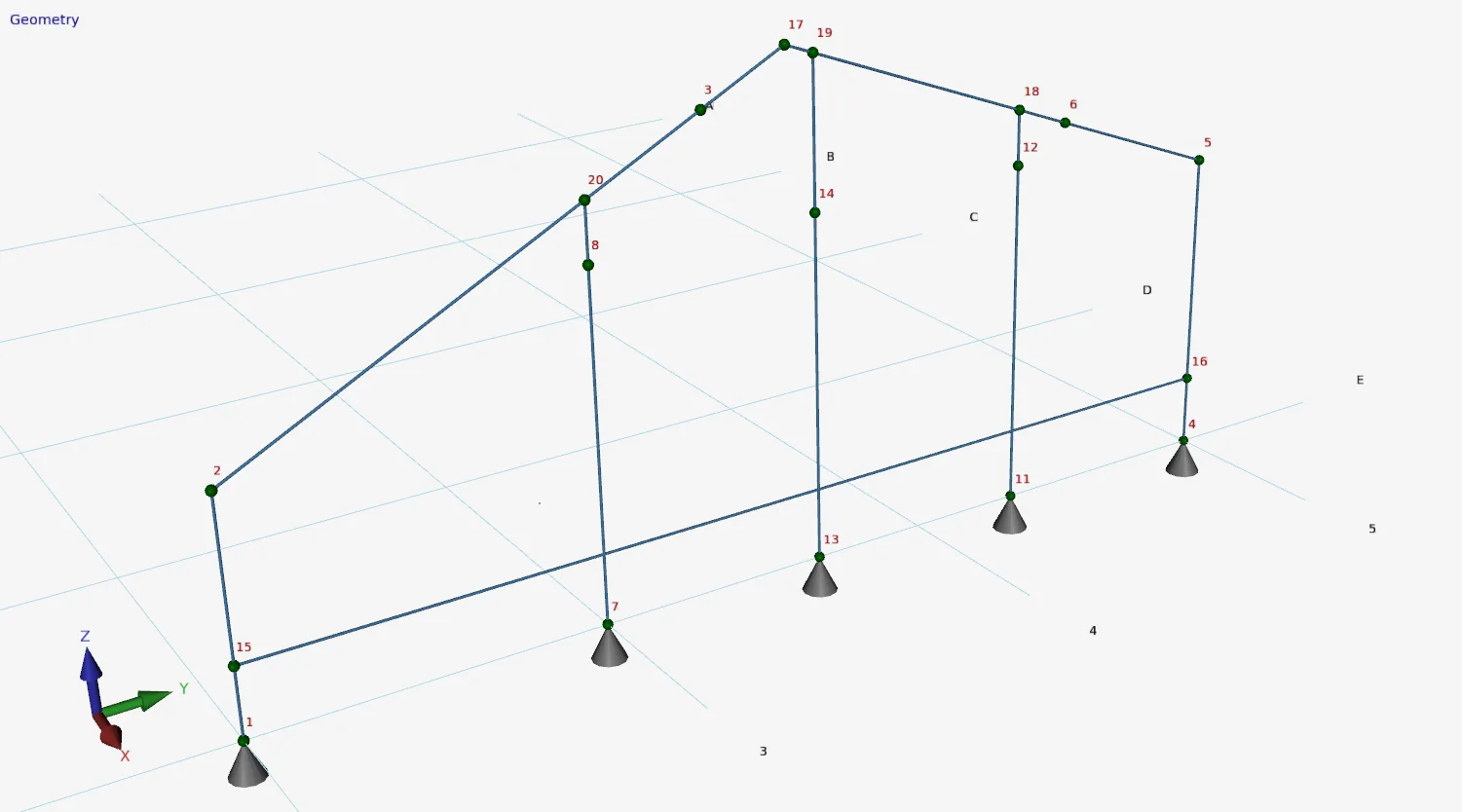
When you select beams you can now right-mouse click → Extend the beams, have the intersection point determined and extend the beams.
How does it work? Watch the demo here.
3. New Surface loads
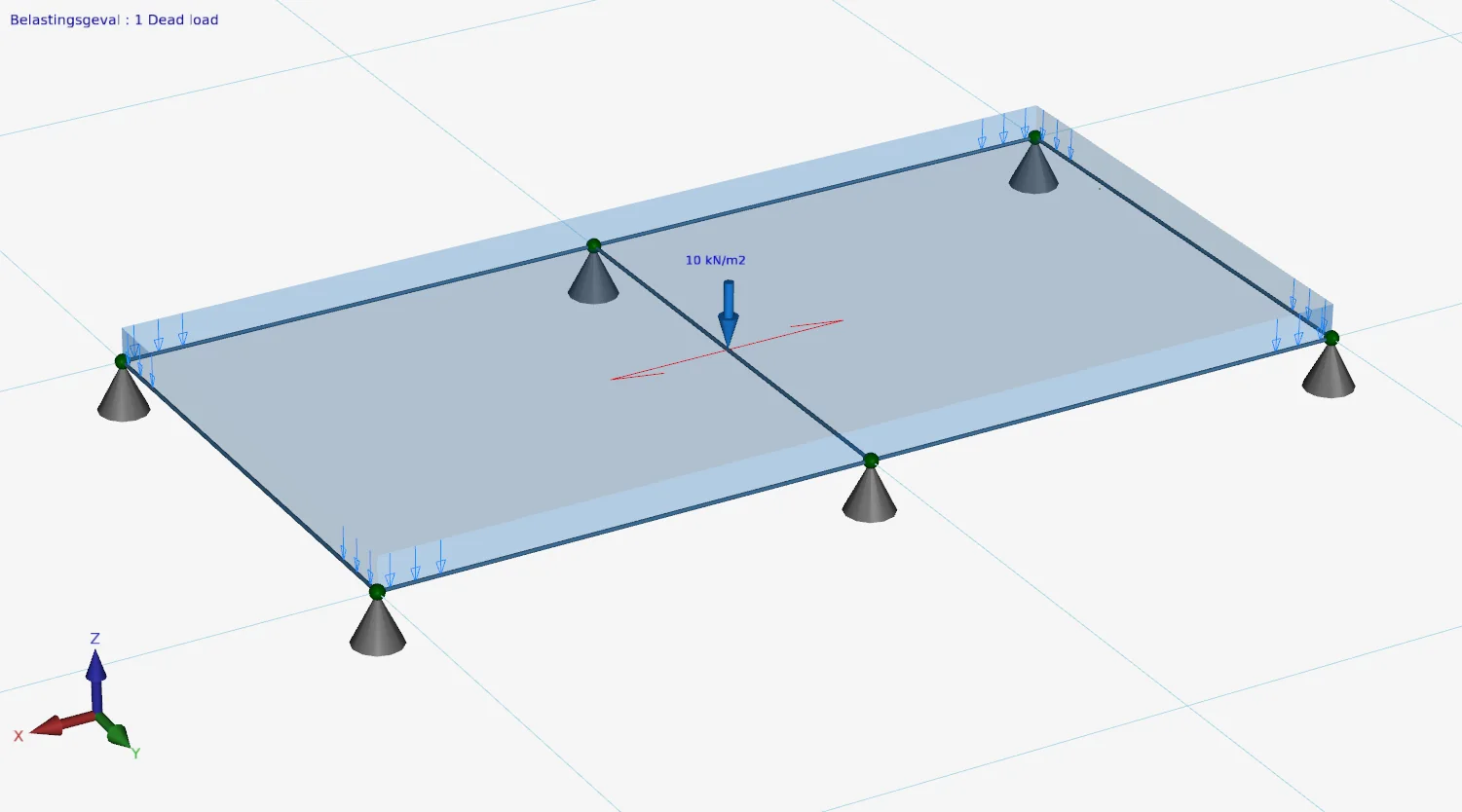
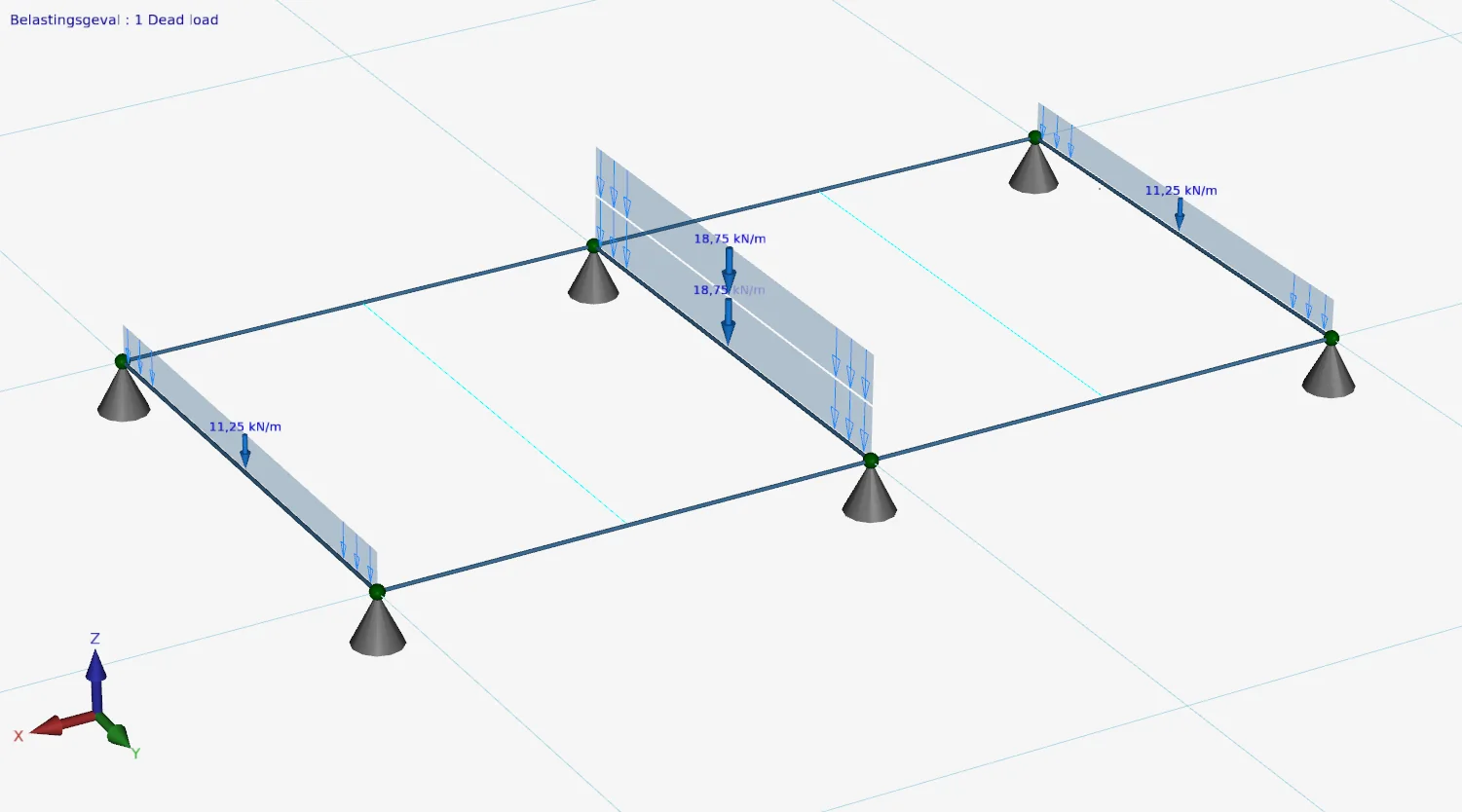
As you know, surface loads can be used to quickly and efficiently generate beam loads on a large number of beams. For each beam you can now specify a factor to increase (or decrease) these generated beam loads to account for the static indeterminacy. See the example below. The floor slabs extend over 3 supports. The correction factor for the first and last beam is 0.75. And for the middle beam 1.25.
To stay up to date with the latest developments you can follow us on Linkedin.