There is a new release (version 5.07.01) available of our 3D program XFEM4U.
Click here to install the new release.
On release notes you will find an overview of all changes
The most important new features:
1. New The 3d navigation is greatly improved!
The 3d navigation and selection now works like in Autodesk-Revit or Tekla structures. You can configure which method (Revit or Tekla) you want to use.
a) Method as in Autodesk Revit (default)
- Zooming in and out: Use the mouse wheel.
- Pan: Press the mouse wheel and drag.
- Orbit: Press the mouse wheel and SHIFT key together and drag.
b) Method as in Tekla structures.
- Zoom in and out: Use the mouse wheel.
- Pan: Press the mouse wheel and drag.
- Orbit: Press the mouse wheel and CNTRL key together and drag.
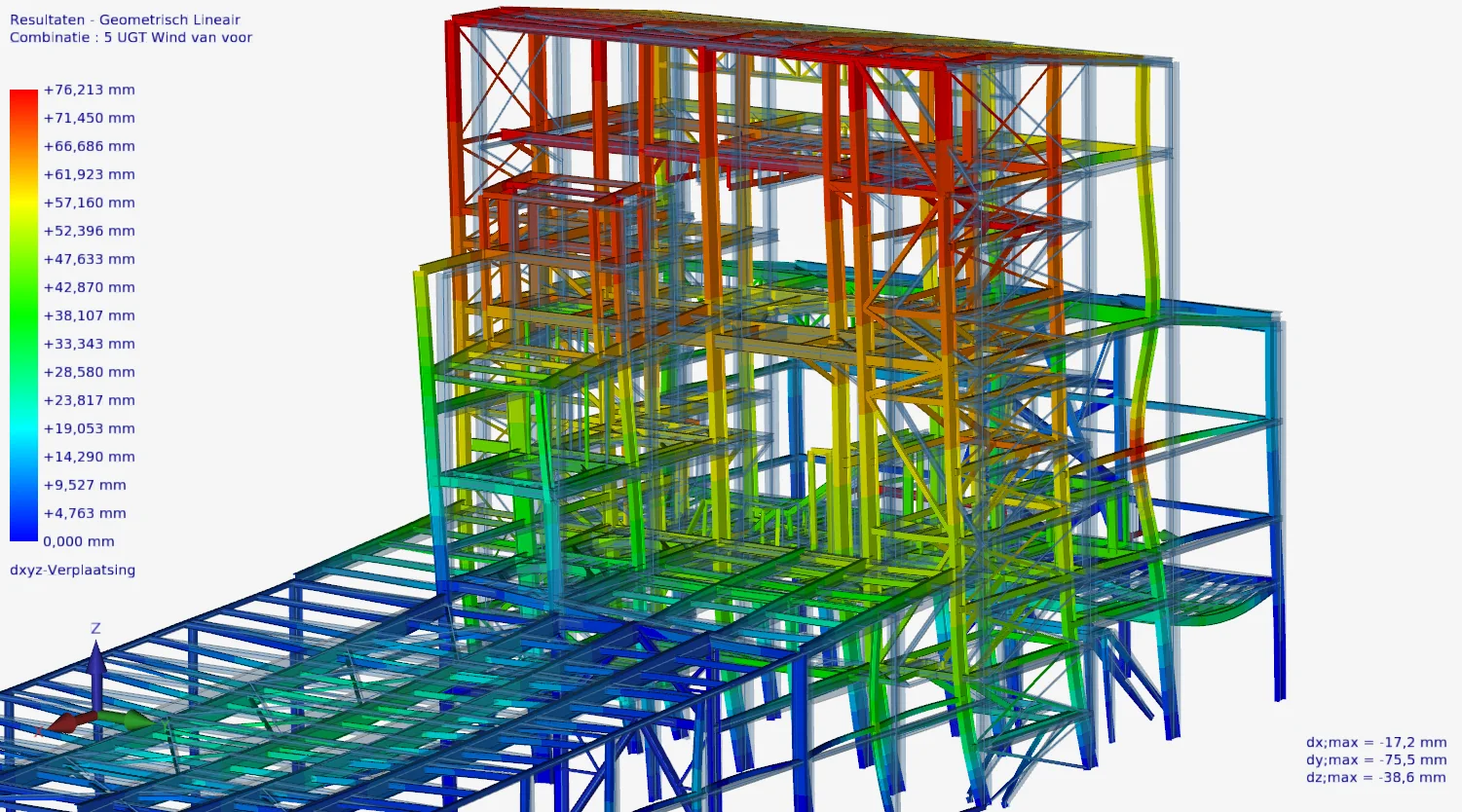
2. Improved Menu option "Zoom extend"
The menu option "Zoom extend" has been expanded and greatly improved. When you select objects and click on "Zoom extend" they are zoomed in. Also the navigation pivot point is taken in the center of the selected ones and the camera position is now held.
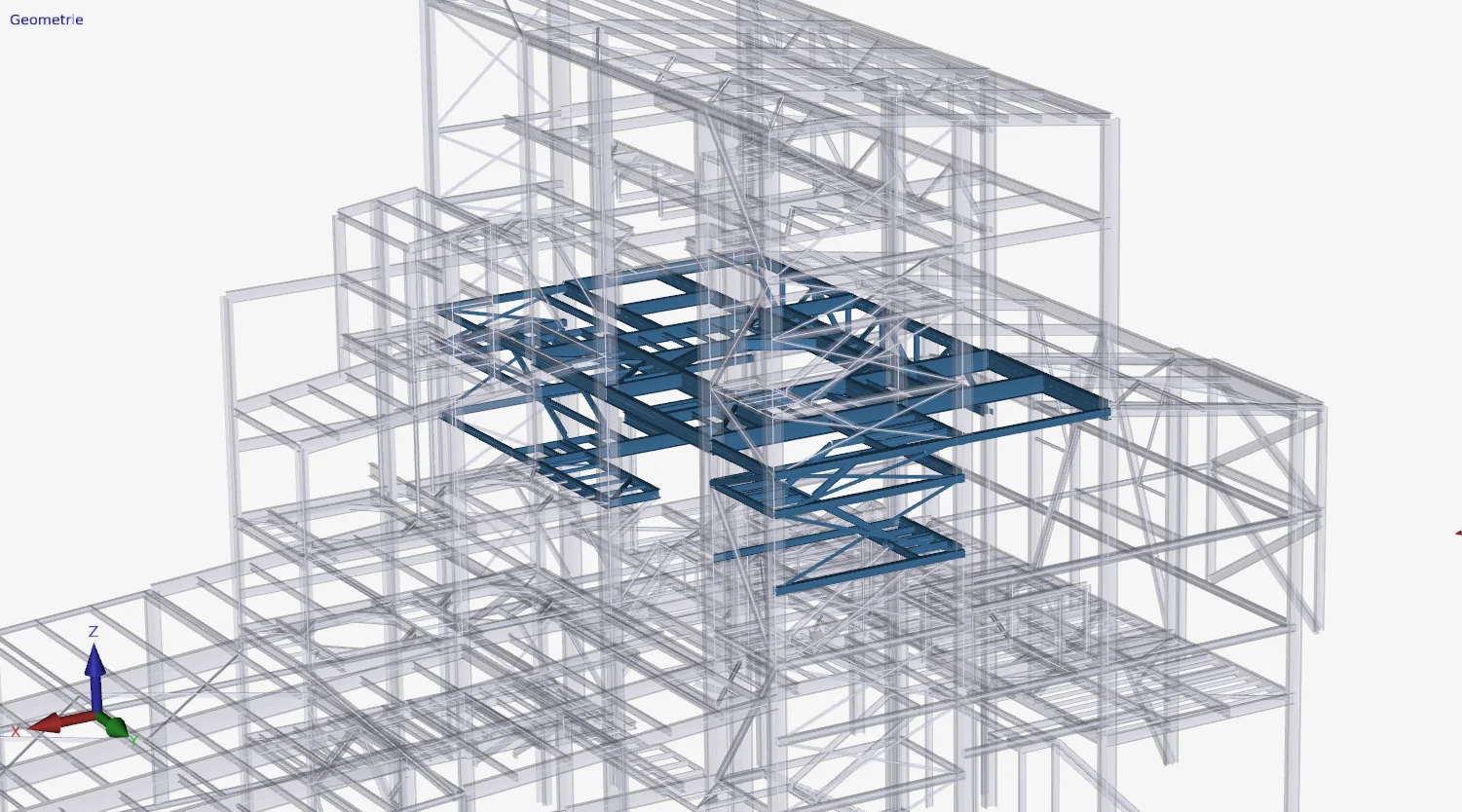
3. Improved Menu options "Visibility" and "Search"
As you know you can use the menu options "Visibility" and "Search" to easily make a selection of beams and/or plates visible. New is that now you can select only the visible beams, nodes and/or plates which you can also easily change.
That means you can now make sub-selections. How? Select a section and press "Visibility". Rotate the model. Now select a section again and press "Visibility".
4. Improved Menu option "Copy"
Copying has been greatly improved: A new feature is that the COPY command is repeated. So you can place your copy in several places and thus enter your model even faster and easier.
Click here to install the new XFEM4U version (5.07.01) immediately.
In release notes you will find an overview of all changes.
To stay up to date with the latest developments you can follow us on Linkedin.