There is a new release available of our 3D program XFEM4U 2025.3.
Click here to install the new release (2025.3.01).
On release notes you will find an overview of all new features and improvements
The most important new features:
1. New Code design check
As you know during each analysis, the code design check of all beams and plates was performed. During the modelling of a new structure and temporary calculations, the code design check is often not relevant yet and requires unnecessary calculation time.
New is that the code design check can be set in the menu. In new models this is off by default.
So with this new option you can enter your model and determine its analysis easier and especially faster. And if all the mechanics results look good you turn on the code design check.
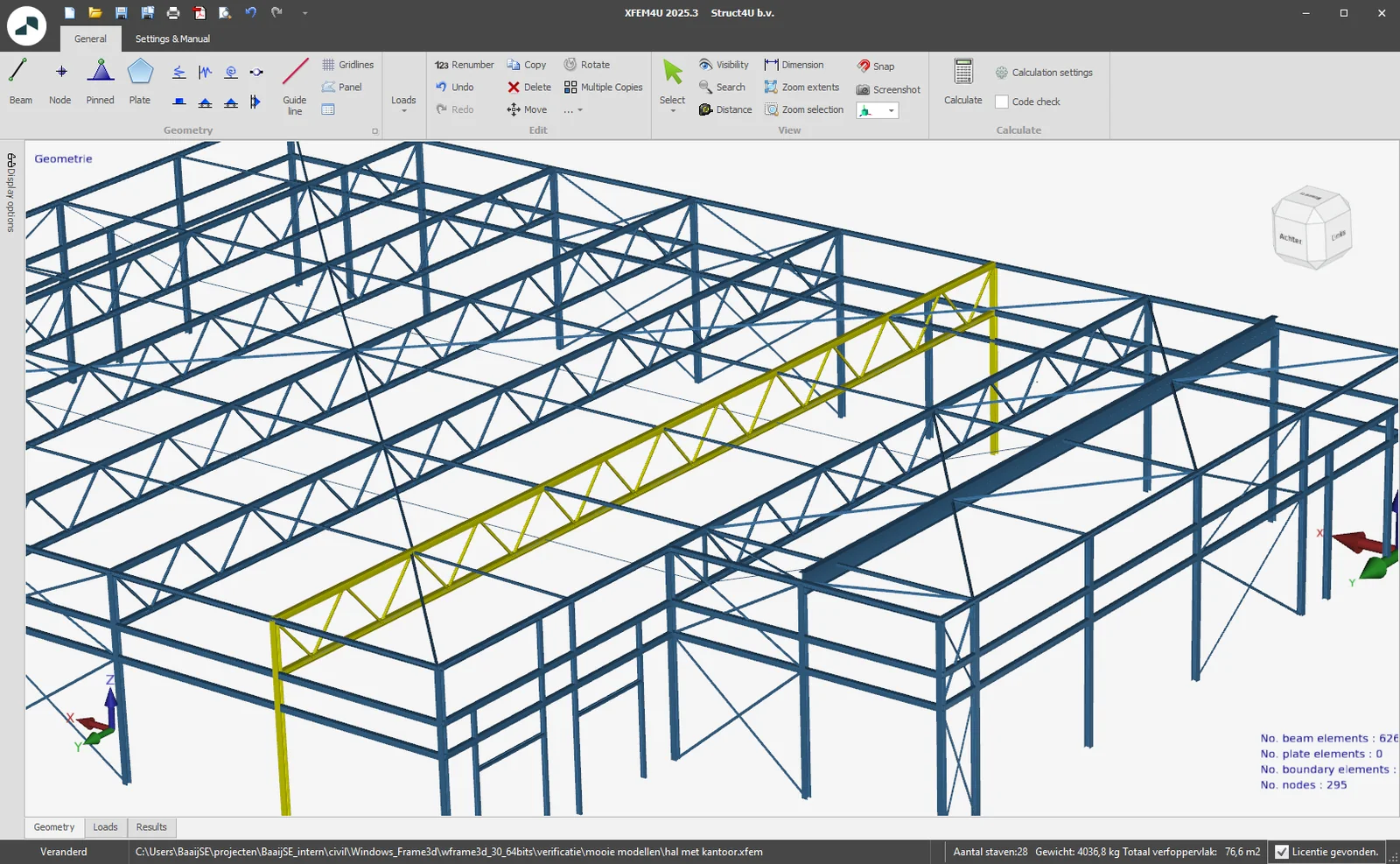
2. New Select function
A new Select drop-down menu has been added to the ribbon menu with the 9 new functions, "Get previous selection s", "Select by coordinate range", "Select beams in XY plane", "Select beams in XZ plane", "Select beams in YZ plane", "Select beams parallel to", "Select all free nodes", "Select all" and "Invert selection"
These new powerful features make it even easier and faster to select and then edit parts in your model.
How does it work? Watch the demo here.
3. New Split / Merge beam
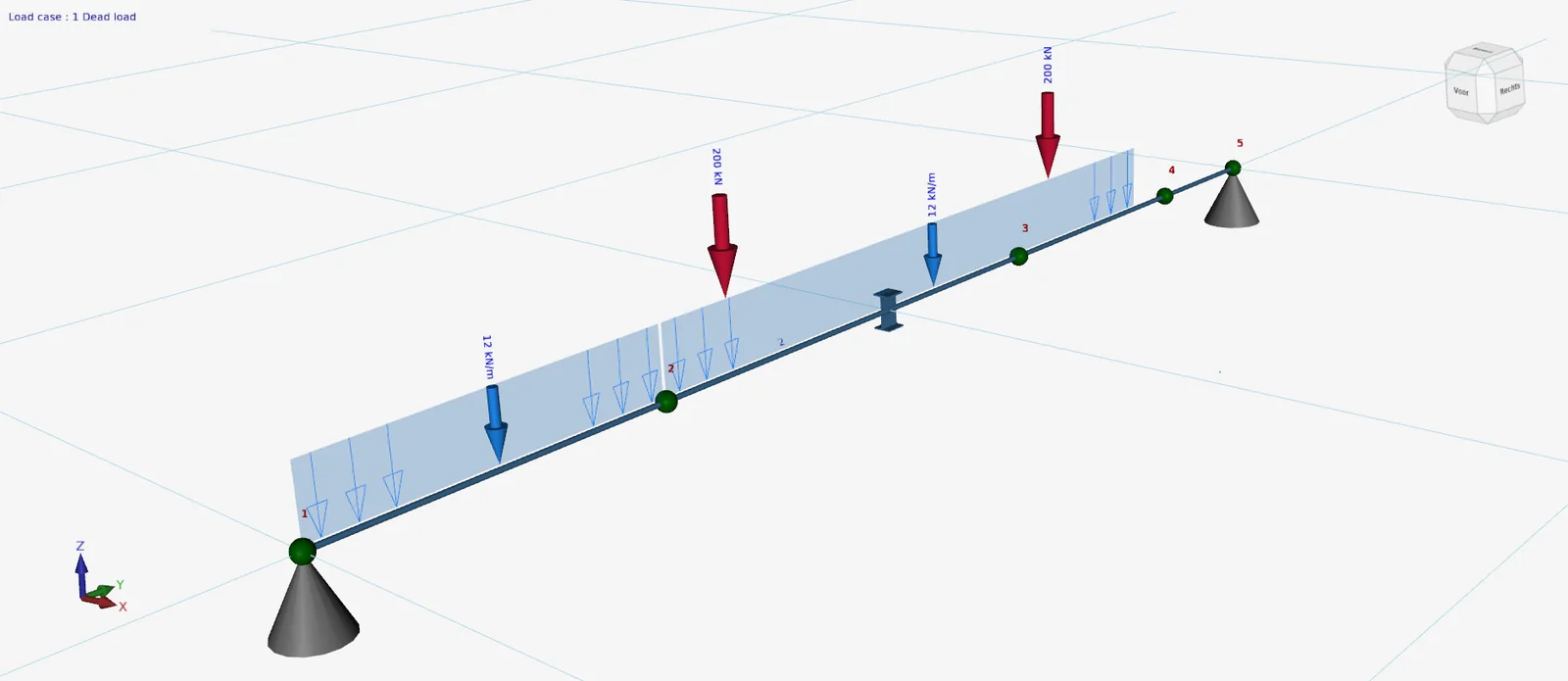
You can use the new edit menu button function and/or right-click function "Split beam" to have beams split into individual beams. All beam loads are, of course, split in the process as well.
And the way back is also there. You can use the new edit menu button function and/or right-click function "Merge beam" to merge the beams into one beam again. And again, all beam loads are neatly included.
How does it work? Watch the demo here.
4. New Your compagny logo in reports
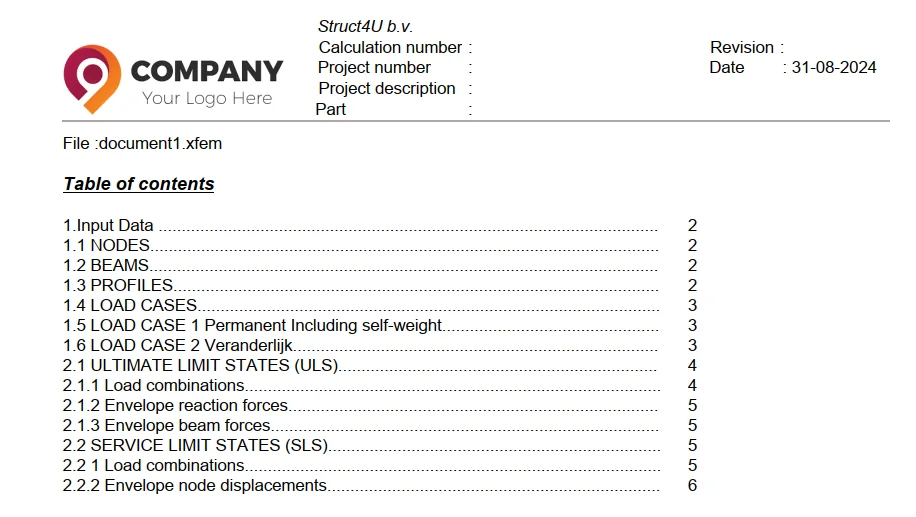
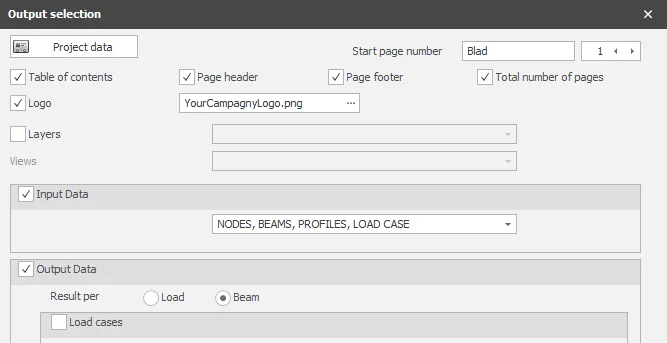
It is now possible to include your company logo in the page header. Including your company logo in reports is obviously important in building and strengthening your brand identity. It contributes to a professional appearance, increases brand recognition, protects your corporate identity, and even offers marketing benefits.
To stay up to date with the latest developments you can follow us on Linkedin.