There is a new release available of our 3D program XFEM4U 2027.3.
Click here to install the new release (2027.3.01).
On release notes you will find an overview of all new features and improvements
The most important new features:
1. New Integration with MS Excel
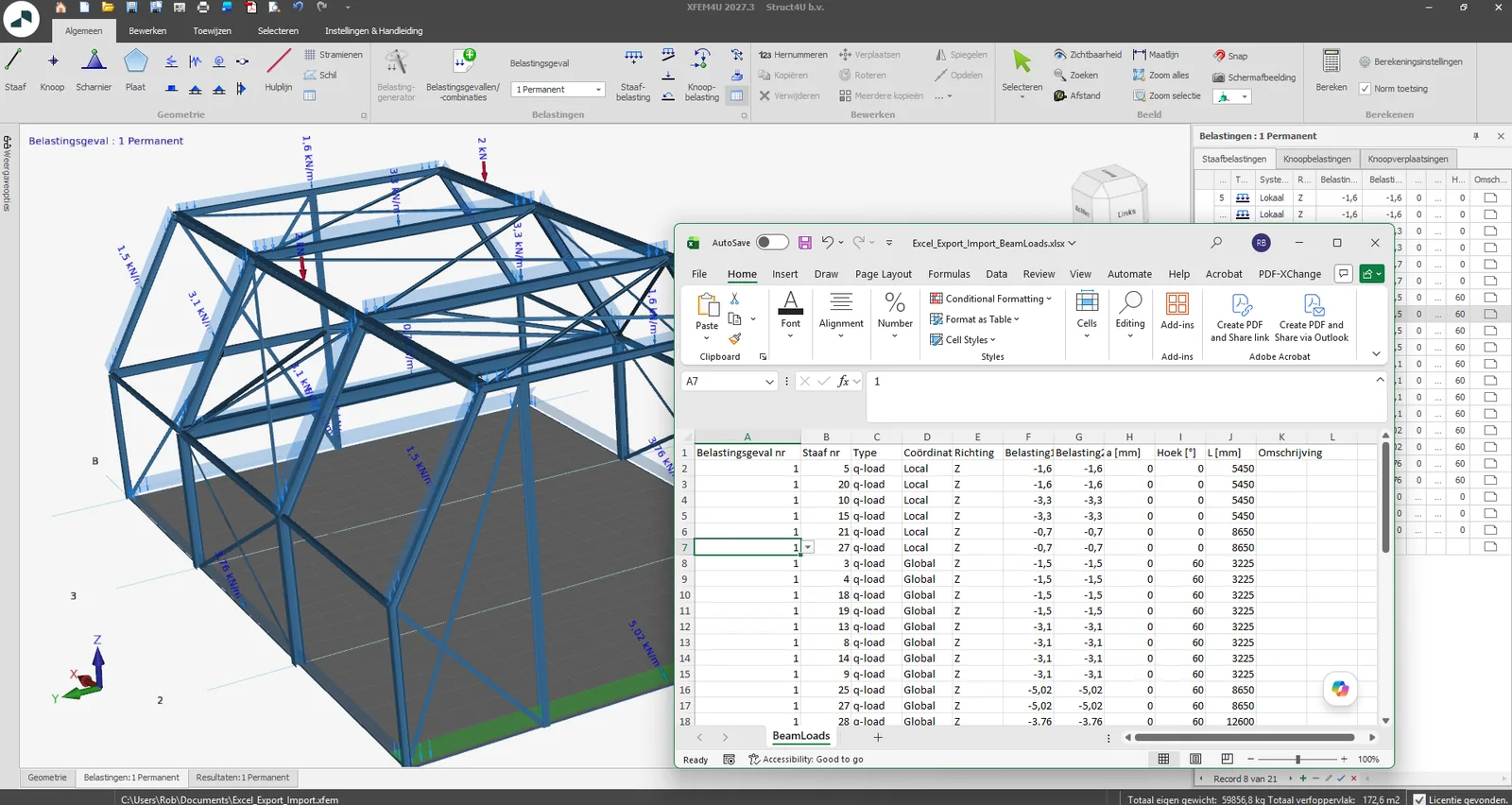
XFEM4U now supports both exporting and importing model data via Excel. This allows you to combine XFEM4U’s visual modeling capabilities with the power of Excel for large amounts of data.
This includes: nodes, beam, beam loads, node loads, load cases, and load combinations
Workflow: export from XFEM4U → edit in Excel → import back. Fast, transparent, and efficient.
Benefits:
- Make major adjustments (e.g., loads across dozens of beams) in seconds
- Seamlessly integrates with existing Excel workflows for wind, snow, and combination calculations
- Less manual work and reduced risk of input errors
Curious about how easy it is? Click here for a demo.
2. New Export to Tekla
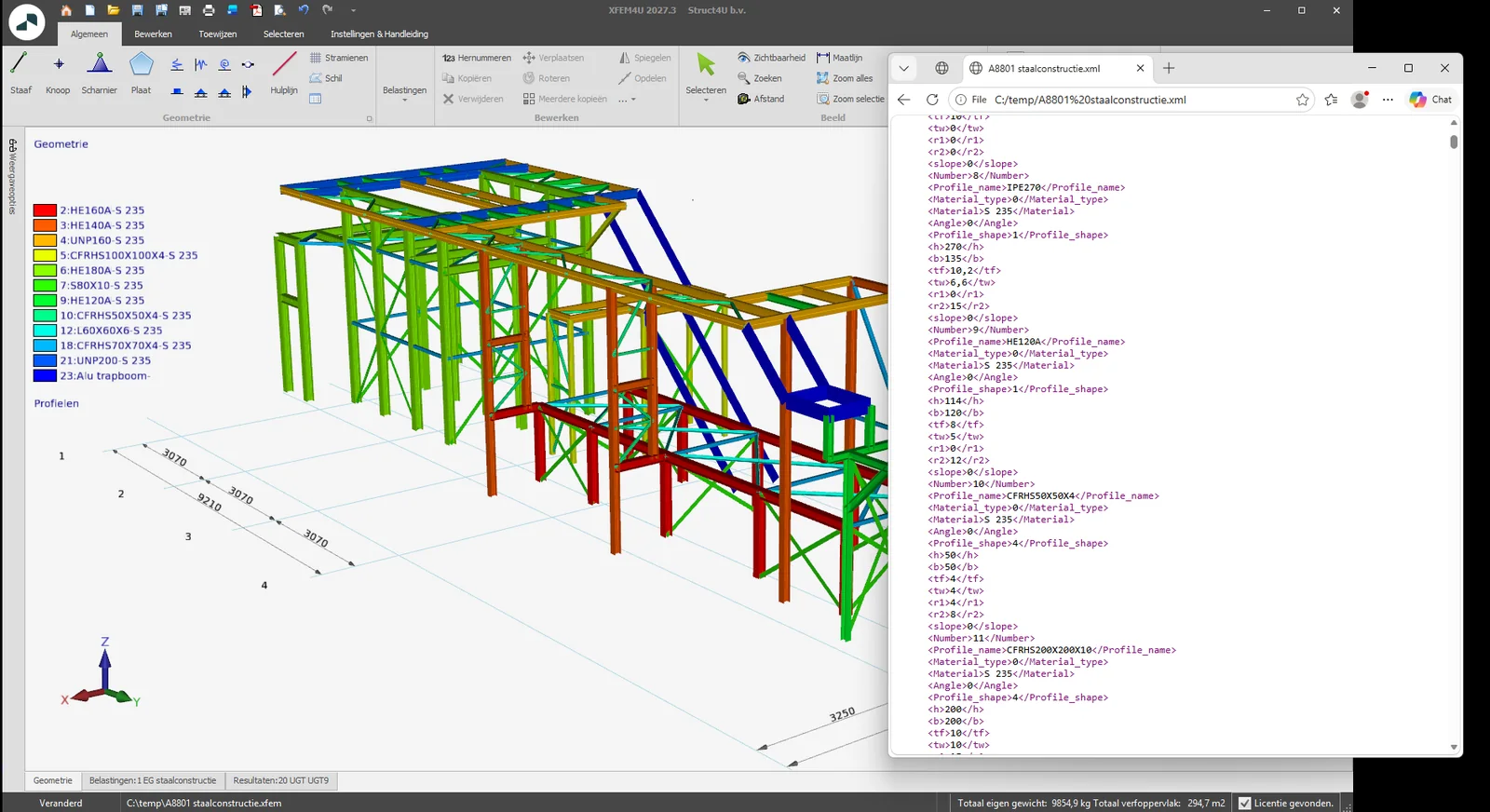
It was already possible to convert the (steel) structure you created in Tekla Structures into an XFEM4U model. What’s new is that you can now do the reverse as well: convert an XFEM4U model into a Tekla model.
How?
At the request of our customers, Tekniq Solution has developed a Tekla plugin that allows you to import an XML file exported from XFEM4U into Tekla Structures.
You can download this Tekla plugin using the link below.
https://software.struct4u.com/downloads/struct4utools_04.tsep
To stay up to date with the latest developments you can follow us on Linkedin.