There is a new release available of our 3D program XFEM4U 2025.2.
Click here to install the new release (2025.2.01).
On release notes you will find an overview of all new features and improvements
The most important new features:
1. New New solver
As you, of course, have long experienced, XFEM4U is user-friendly and intuitive. We see that XFEM4U is being used more and more. We also see that the models are getting bigger and more complex. Fine, of course. The solver we used until now was already quite fast compared to competing programs, but now we have built in a new solver that is truly “mind-blowing” fast. We are therefore very proud of this new release. You will understand that. But most of all, we hope it makes you happy.
Depending on the model, this new solver achieves tremendous acceleration.
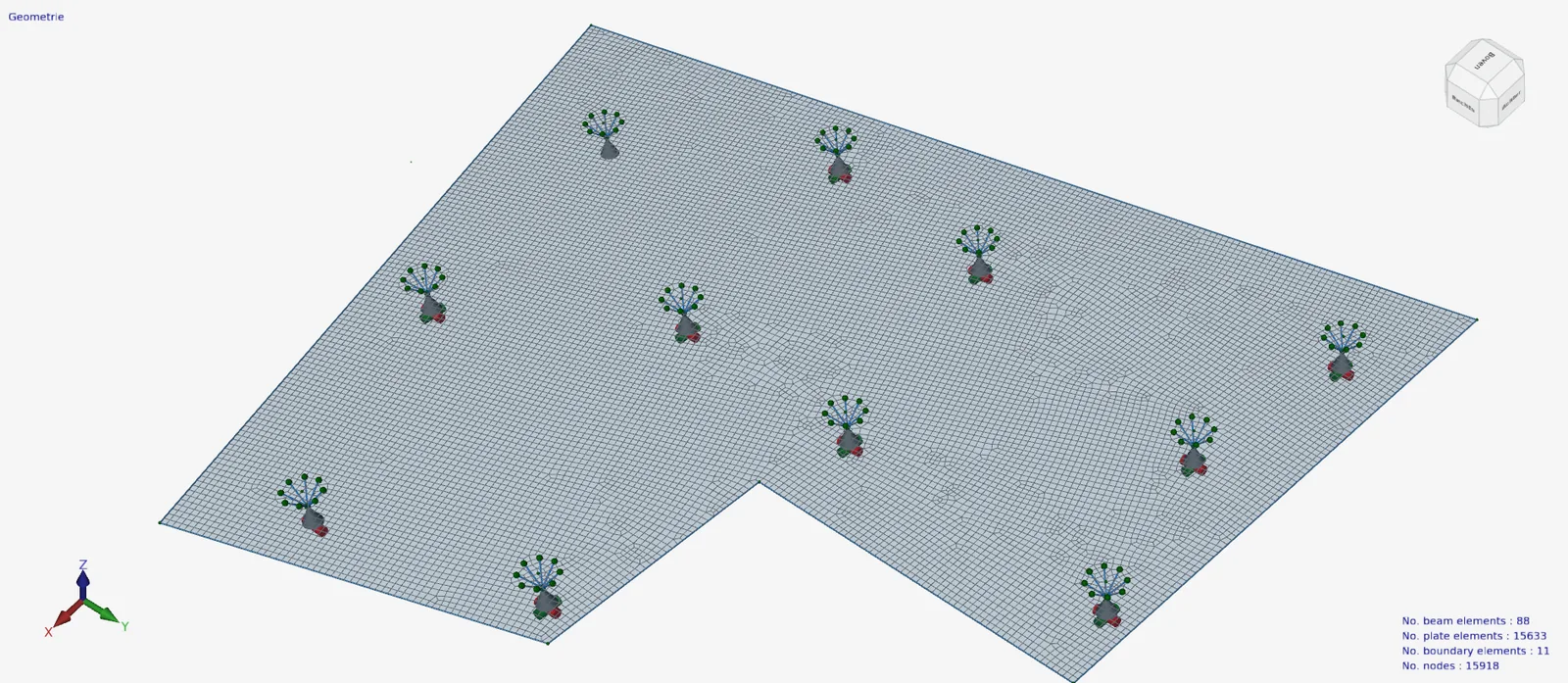
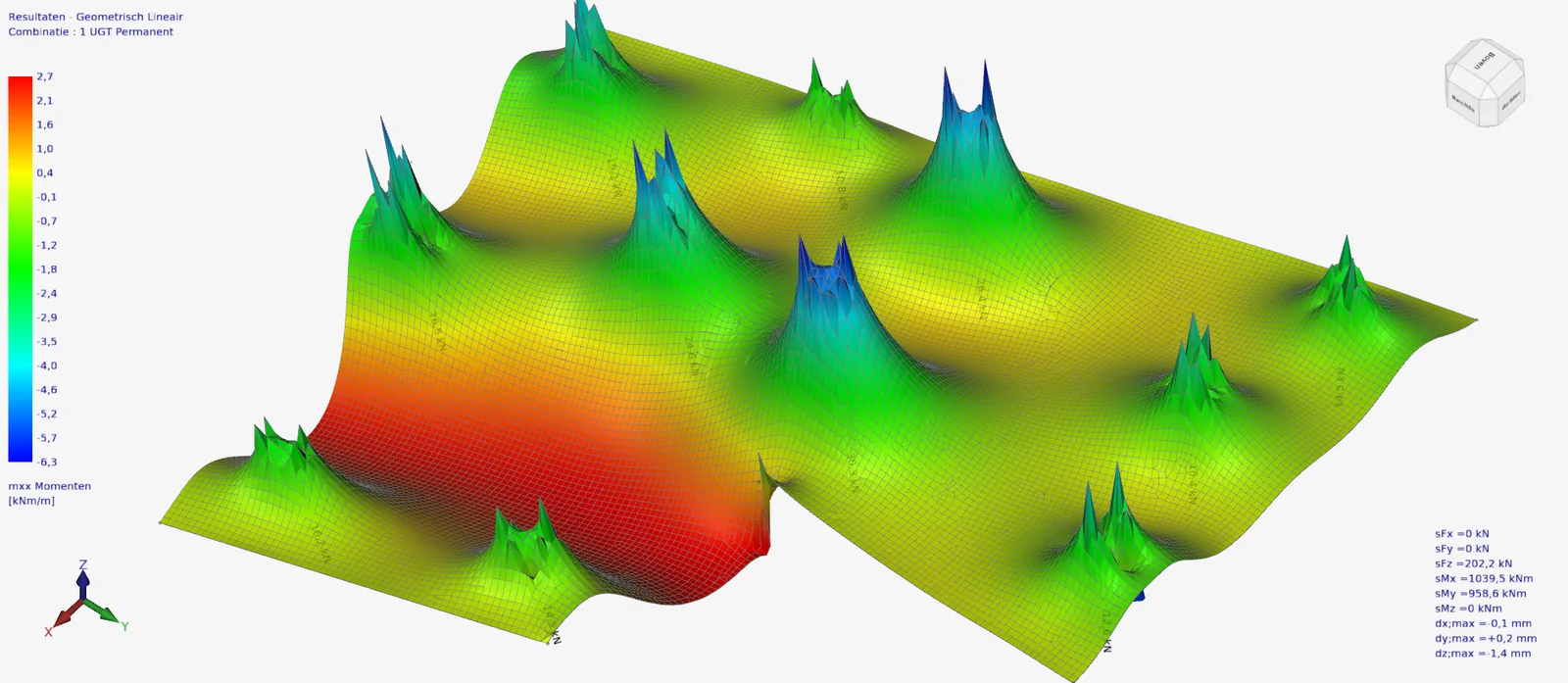
To illustrate: In the fictitious model below with 15,633 plate elements, 8 analysis are calculated. (2 load cases and 6 load combinations).
With the previous solver, this took 11 min 38 seconds. The new solver does the same thing but in 42 seconds. A factor of 698 / 42 = 16.6 faster.
With this new solver, the ease of use is again greatly improved. Of course, the calculations cannot go fast enough for you. You can now calculate several options even faster and thus create an optimal design for your structure.
2. New 64 bits
XFEM4U is now fully 64-bit. Why, you may ask?
With a 32 bit application you can address a maximum of 4 Gb of memory (RAM). Often, professional computers have 32 Gb or more of RAM, but you can't fully use that with a 32 bit application.
With 64 bit application, you can address a maximum of 16 exabytes (EB), which is equal to 1.6e+10 Gb of memory (RAM). Practically speaking, unlimited so.
That means you can now handle very large models and use the total RAM available in your computer.
Struct4U is ready for the future
With 1) the new fast solver and 2) 64 bits, crucial steps have been taken for the future in which parametric design and AI will become more important.
We will continuously improve, optimize and accelerate the software, and we will soon provide multi-core processing as well. And because we are using the latest development techniques and modern programming languages, we can take these steps. We have already proven that and will continue to do so.
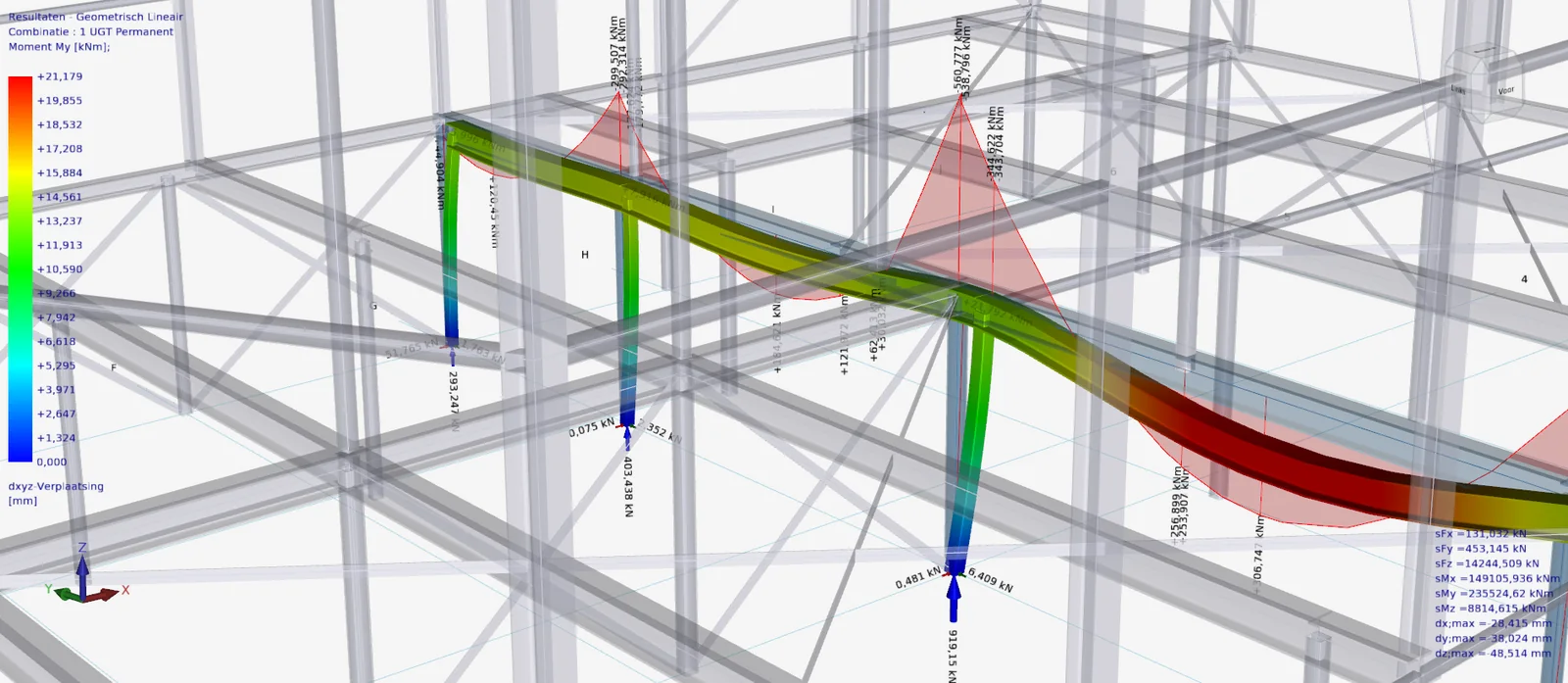
3. Improvement Rendering of the 3d texts
The rendering of the 3d texts is much improved. Although the text is drawn in 2D but always parallel to the projection of the beam or force.
4. Improvement Display Options
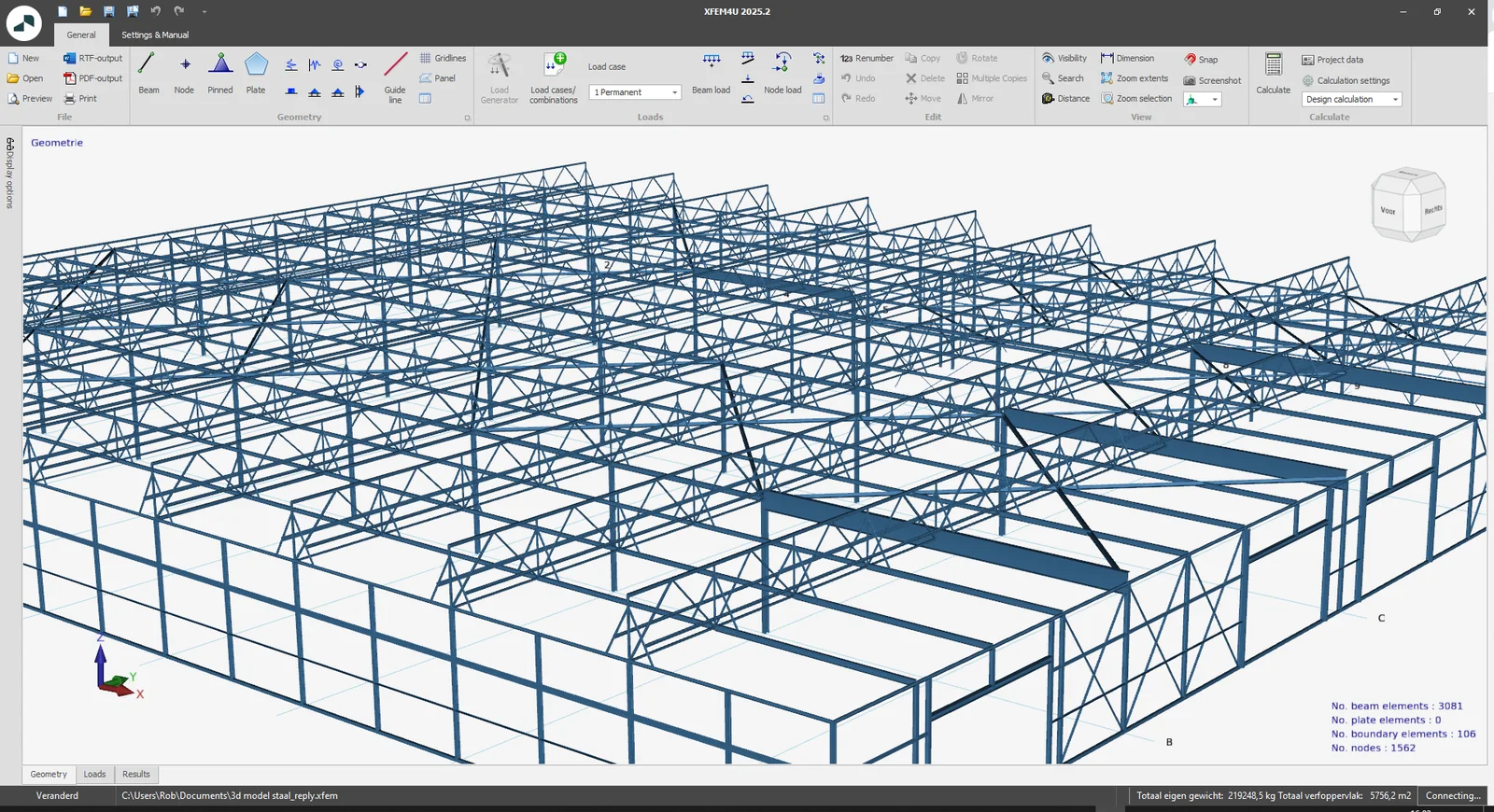
By default, the Display Options screen is automatically hidden on the left side. When you hover the mouse over the Display Options, the screen automatically becomes visible and you can adjust all settings.
You can also lock this screen so that all display options will always be in view as it was. It just depends on what you like.
The advantage of auto-hiding is that there is more space for the model and fewer buttons in view. This also makes the user interface calmer and clearer.
You can no longer close the display options screen, which is why the corresponding button in the ribbon menu has also been removed.
To stay up to date with the latest developments you can follow us on Linkedin.